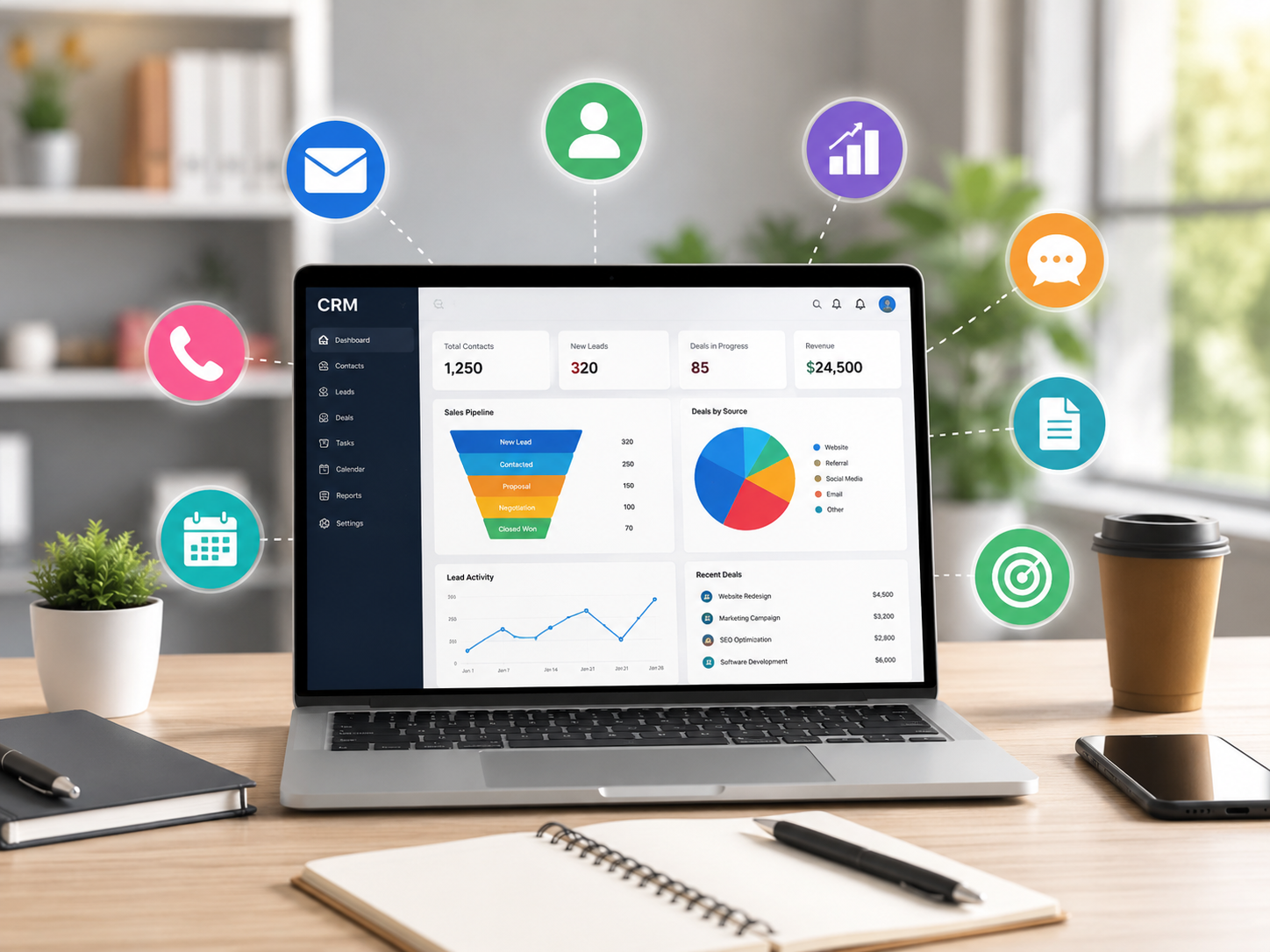
Looking for the best CRM software for your small business? We’ve compared 10 of the top CRM platforms based on features, ease of use, pricing, automation, integrations, and overall value.
A good CRM can help a small business organize customer information, manage leads, automate follow-ups, track sales, and build stronger customer relationships—all from one place.
Whether you run a consulting business, agency, online business, local service company, or growing startup, this guide will help you find the right CRM for your needs.
Affiliate Disclosure: Some links on this page are affiliate links. If you purchase or sign up through our links, we may earn a commission at no additional cost to you. Our recommendations are based on our evaluation of each platform.
Quick Picks: Best CRM Software for Small Businesses
| CRM Software | Best For | Free Plan | Starting Price* |
|---|---|---|---|
| HubSpot CRM | Best overall | Yes | Free |
| Zoho CRM | Best value | Yes | Varies by plan |
| Salesforce | Growing businesses | Limited | Varies by plan |
| Pipedrive | Sales-focused teams | No | Varies by plan |
| Freshsales | Easy-to-use CRM | Yes | Varies by plan |
| Monday CRM | Flexible workflows | Limited | Varies by plan |
| Insightly | Project + CRM | Yes | Varies by plan |
| Capsule CRM | Simplicity | Yes | Varies by plan |
| Keap | Automation | No | Varies by plan |
| Close | Sales teams | Trial | Varies by plan |
*Pricing can change. Check the provider’s website for current pricing and available plans.
1. HubSpot CRM — Best Overall CRM for Small Businesses
Best for: Small businesses looking for an easy-to-use CRM with a strong free option.
HubSpot is one of the most recognizable CRM platforms for small and growing businesses. Its CRM combines contact management, sales tools, marketing features, customer service, and automation.
The biggest attraction for small businesses is that you can start with a free CRM and add more advanced features as your business grows.
Key Features
- Contact and lead management
- Sales pipeline management
- Email tracking
- Marketing tools
- Automation
- Reporting and analytics
- Integrations
- Customer service tools
Pros
- Excellent free CRM option
- Easy to get started
- Large ecosystem of business tools
- Good scalability
Cons
- Advanced features can become expensive
- Some features require higher-tier plans
Best For
Small businesses that want to start with a free CRM and expand as they grow.
→ Check HubSpot CRM
2. Zoho CRM — Best Value CRM
Best for: Small businesses looking for a feature-rich CRM at a competitive price.
Zoho CRM is designed for businesses that need a broad range of CRM functionality without necessarily paying for a large enterprise platform.
It offers lead management, sales automation, analytics, workflow automation, and integrations with other Zoho products.
Key Features
- Lead management
- Sales automation
- Workflow automation
- Reports and dashboards
- Email integration
- AI-powered features
- Mobile apps
- Third-party integrations
Pros
- Strong feature set
- Good value
- Scalable
- Large business software ecosystem
Cons
- Can take time to learn
- Some advanced features are available only on higher plans
Best For
Small businesses that want lots of features without moving immediately to an enterprise CRM.
→ Check Zoho CRM
3. Salesforce — Best for Growing Businesses
Best for: Businesses that expect their sales and customer-management needs to become more sophisticated.
Salesforce is one of the best-known CRM platforms in the world. While it can be more complex than some alternatives, its flexibility makes it attractive to businesses that expect to grow.
Key Features
- Lead management
- Opportunity management
- Sales forecasting
- Workflow automation
- Reporting
- Marketing integrations
- Extensive customization
- Large app ecosystem
Pros
- Extremely powerful
- Highly customizable
- Excellent scalability
- Huge ecosystem
Cons
- Steeper learning curve
- Can require more setup and administration
- Pricing can become significant as requirements grow
Best For
Growing small businesses that expect to develop more complex CRM requirements.
→ Explore Salesforce
4. Pipedrive — Best CRM for Sales Teams
Best for: Small businesses that primarily need to manage leads and sales pipelines.
Pipedrive focuses heavily on sales pipeline management. Its visual interface makes it easy for salespeople to see where prospects are in the sales process.
Key Features
- Visual sales pipelines
- Lead management
- Sales automation
- Email tracking
- Reporting
- Workflow automation
- Integrations
Pros
- Simple interface
- Strong sales focus
- Easy pipeline management
- Good automation capabilities
Cons
- Less suitable if you need a complete marketing ecosystem
- Advanced functionality may require higher plans
Best For
Small sales teams that want a straightforward CRM focused on closing deals.
→ Check Pipedrive

5. Freshsales — Best Easy-to-Use CRM
Best for: Small businesses that want a modern CRM without a complicated setup.
Freshsales is part of the Freshworks ecosystem and provides tools for managing contacts, leads, sales activities, and customer interactions.
Key Features
- Contact management
- Lead scoring
- Sales pipelines
- Email and phone tools
- Automation
- Reporting
- AI-powered capabilities
Pros
- Modern interface
- Relatively easy to use
- Useful automation
- Good option for growing teams
Cons
- Some advanced features require paid plans
- May not be as customizable as larger enterprise CRM platforms
Best For
Small businesses that prioritize ease of use and quick implementation.
→ Check Freshsales
6. monday CRM — Best for Flexible Workflows
Best for: Small businesses that want CRM combined with customizable workflows.
monday CRM uses a flexible visual interface that allows businesses to organize sales activities, contacts, pipelines, and workflows.
Key Features
- Custom sales pipelines
- Contact management
- Automation
- Dashboards
- Workflow customization
- Integrations
Pros
- Highly visual
- Flexible
- Easy to customize
- Useful for teams with unique workflows
Cons
- Can require customization to get the most value
- Pricing depends on plan and team requirements
Best For
Small teams that want to customize their CRM around their existing workflow.
→ Explore monday CRM
7. Insightly — Best for CRM + Project Management
Best for: Small businesses that manage both customers and projects.
Insightly combines CRM functionality with project management tools, making it useful for agencies, consultants, and service businesses.
Key Features
- Contact management
- Lead management
- Project management
- Workflow automation
- Reports
- Integrations
Pros
- CRM and project management in one platform
- Useful for service businesses
- Flexible workflows
Cons
- Interface can take some time to learn
- Advanced functionality may require paid plans
Best For
Businesses that need to manage customer relationships and projects together.
→ Check Insightly
8. Capsule CRM — Best Simple CRM
Best for: Small businesses that want a straightforward CRM without unnecessary complexity.
Capsule CRM focuses on the fundamentals: contacts, sales opportunities, tasks, and customer relationships.
Key Features
- Contact management
- Sales pipeline
- Tasks
- Customer history
- Reporting
- Integrations
Pros
- Simple
- Easy to learn
- Clean interface
- Good for smaller teams
Cons
- Fewer advanced features than larger CRM platforms
- May not be suitable for complex sales operations
Best For
Small businesses that want a simple CRM rather than a complicated enterprise platform.
→ Check Capsule CRM
9. Keap — Best for Small Business Automation
Best for: Small businesses that want CRM, marketing automation, and customer follow-up tools.
Keap focuses on helping small businesses automate repetitive sales and marketing activities.
Key Features
- CRM
- Email marketing
- Automation
- Lead management
- Follow-up campaigns
- Payments
- Appointment tools
Pros
- Strong automation
- Designed for small businesses
- Combines CRM and marketing tools
Cons
- Can be more expensive than basic CRM solutions
- May require time to configure
Best For
Small businesses that want to automate lead nurturing and customer follow-up.
→ Explore Keap
10. Close — Best CRM for Sales-Focused Teams
Best for: Small sales teams that want CRM, calling, email, and sales communication in one system.
Close is designed specifically around sales communication and pipeline management.
Key Features
- Lead management
- Calling
- Sales pipelines
- Automation
- Reporting
Pros
- Strong sales focus
- Communication tools built into the platform
- Useful automation
- Designed for sales teams
Cons
- Not necessarily the best choice for businesses that need extensive marketing functionality
- Primarily focused on sales
Best For
Small sales teams that want to manage customer communication and sales activity from one platform.
→ Check Close
CRM Comparison: Which One Should You Choose?
Choosing the right CRM depends on your business size, sales process, budget, and the features you actually need.
Choose HubSpot if…
You want an easy starting point and a strong free CRM with the ability to add more tools as your business grows.
Choose Zoho CRM if…
You want a broad feature set and good value.
Choose Salesforce if…
You expect your business to grow and need a highly customizable platform.
Choose Pipedrive if…
Your main priority is managing leads and sales pipelines.
Choose Freshsales if…
You want a modern CRM that’s relatively easy to get started with.
Choose monday CRM if…
You want to customize the CRM around your team’s workflow.
Choose Insightly if…
Your business needs both CRM and project management.
Choose Capsule if…
You want a simple CRM without unnecessary complexity.
Choose Keap if…
Marketing automation and customer follow-up are important to your business.
Choose Close if…
Your business is heavily focused on sales calls, emails, and lead conversion.
What Should a Small Business Look for in a CRM?
Before choosing a CRM, consider these factors:
1. Ease of Use
A powerful CRM isn’t useful if your team doesn’t use it. Look for a platform that your employees can learn quickly.
2. Pricing
Don’t look only at the entry-level price. Check what happens when you add more users, contacts, automation, or advanced features.
3. Sales Pipeline
A good CRM should make it easy to see leads, opportunities, and deals at every stage of the sales process.
4. Automation
Automation can save small businesses significant time by handling repetitive tasks such as follow-up emails, lead assignments, and reminders.
5. Integrations
Check whether the CRM works with the tools you already use, such as email, accounting software, calendars, websites, and marketing platforms.
6. Scalability
Choose a CRM that can grow with your business rather than forcing you to migrate to another platform after a year or two.
Frequently Asked Questions
What is the best CRM for a small business?
There isn’t one CRM that’s perfect for every business. HubSpot CRM is a strong overall choice for businesses that want an easy starting point, while Zoho CRM can be attractive for businesses looking for a broad feature set and value.
Is CRM software worth it for a small business?
Yes. A CRM can help small businesses organize customer information, manage leads, track sales opportunities, and automate repetitive tasks.
Is there a free CRM for small businesses?
Yes. Several CRM platforms offer free plans or free trials. HubSpot is particularly well known for offering a free CRM option.
How much does CRM software cost?
CRM pricing varies significantly depending on the provider, number of users, features, and plan. Some platforms offer free plans, while advanced business CRM systems can cost considerably more.
Can a small business use Salesforce?
Yes. Salesforce can be used by smaller businesses, particularly those that expect to grow or need advanced customization. However, businesses looking for simplicity may prefer a more lightweight CRM.
Final Verdict: The Best CRM for Your Small Business
The best CRM isn’t necessarily the one with the most features. It’s the one that fits your business, your budget, and your sales process.
For most small businesses, we recommend starting by comparing:
HubSpot CRM — Best overall
Zoho CRM — Best value
Pipedrive — Best for sales teams
Freshsales — Best for ease of use
Salesforce — Best for businesses planning significant growth
Before making a decision, compare the current pricing, features, free plans, integrations, and limitations directly on each provider’s website.
Ready to choose your CRM?
Compare the top CRM platforms and find the one that fits your business.
[Check HubSpot CRM →]
[Check Zoho CRM →]
[Check Pipedrive →]
Disclosure
This article contains affiliate links. If you purchase a product or service through some of the links on this page, we may receive a commission at no additional cost to you. Our goal is to provide useful, independent information to help small businesses make better software decisions.